There are following steps for Create ESI Challan :
1. Login Employer ESI through Id and Password
Link- https://esic.gov.in
Go to Employer Login
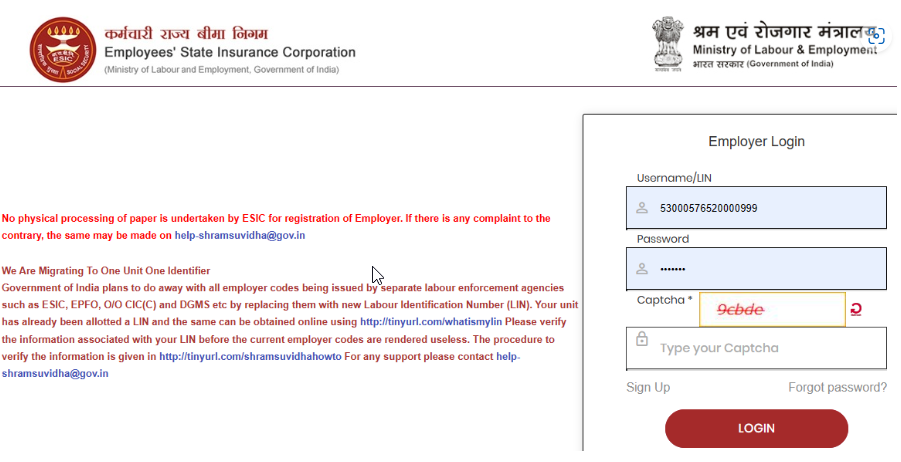
2. New Page will be Open like Below
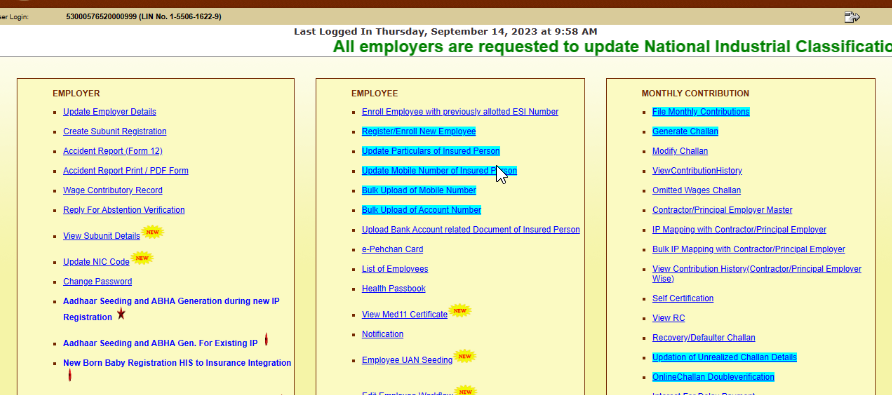
3. Click on "File Monthly Contribution"

4. New Page will be open like below and click on "View" option
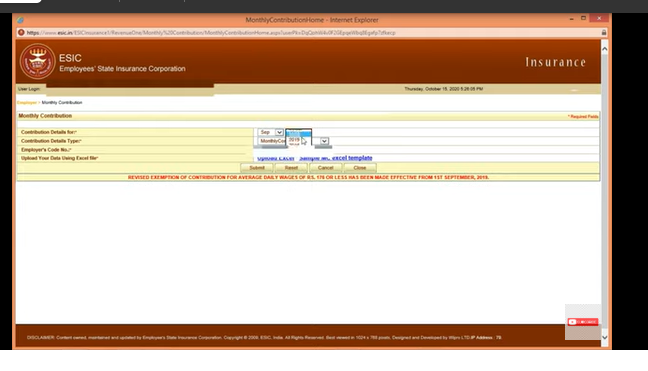
Instruction for fill up
a. Contribution Details for Select Month and Year -Select Month/year in which you want to upload ESI challan
b. Contribution details Type-Monthly contribution
c. click on "Sample MC Excel Template" for Export Excel file
a. IP Number
b. IP Name
c. Net Pay days
d. Total Monthly Wages- Monthly Gross Amount
e. Reason code- Reason for zero working days( See the Reason code)
f. Last Working Days- DD/MM/YYYY
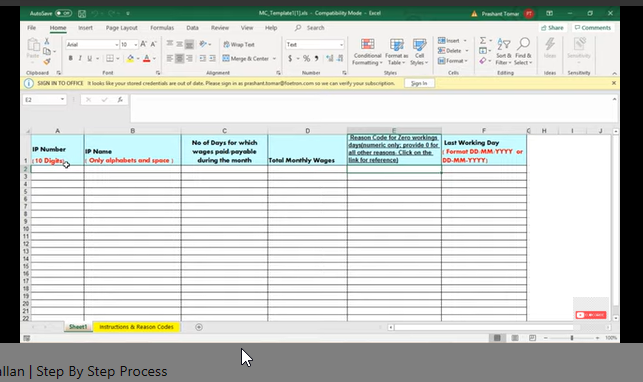
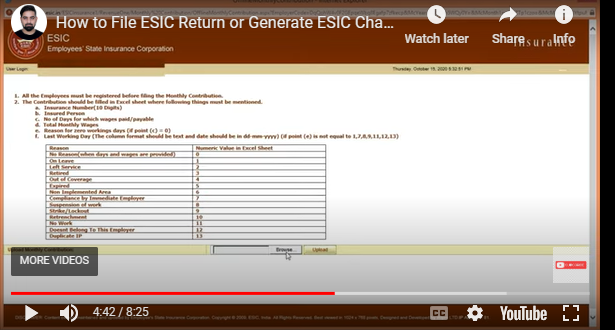
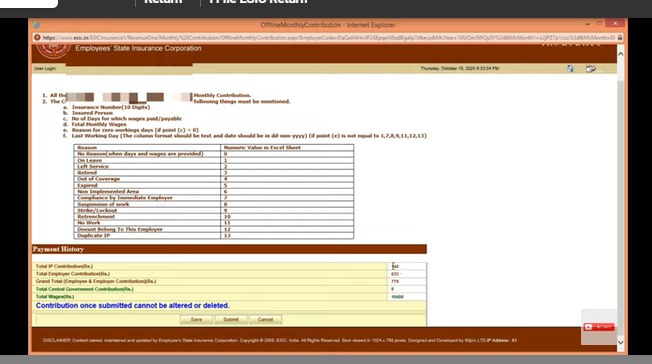
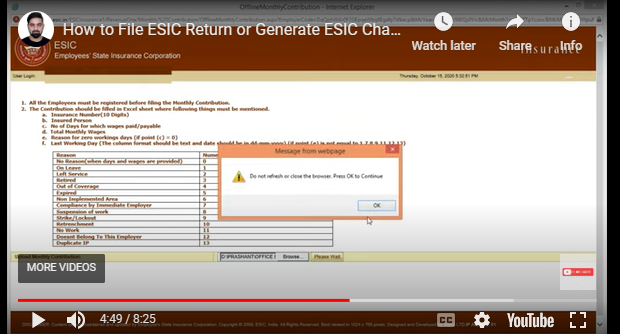
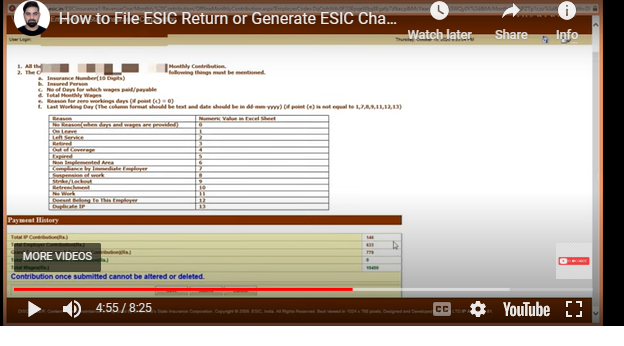
5. Click on 'Upload" option- Broses Excel MC FILE- Upload-Submit- Close
6. Click on "Generate Challan" on Main Page like below

7. New Page will be open like Below :

8. Click on "View" option then New Page will be open like below :
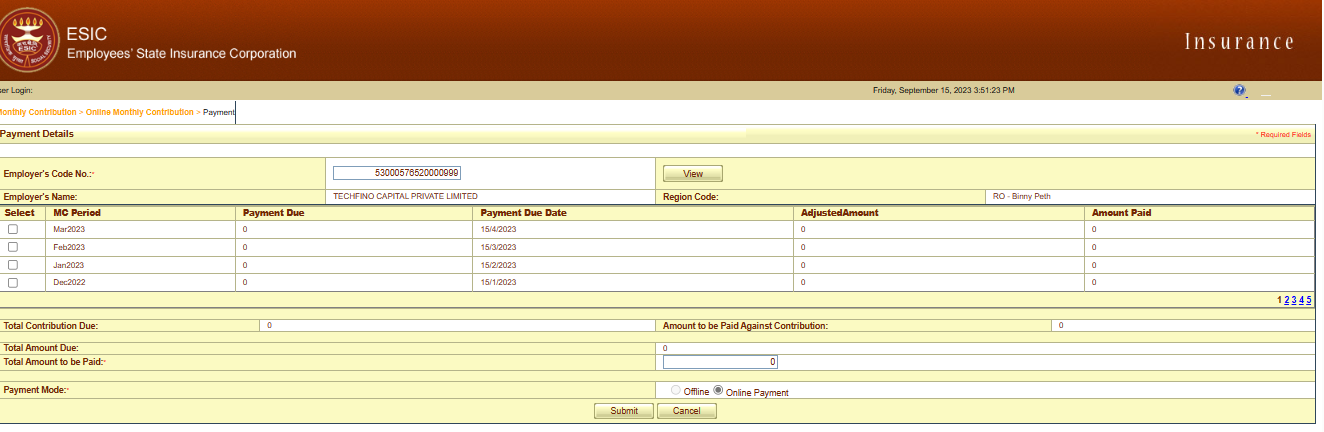
9. Select the month in wich you have uploaded MC File like below :
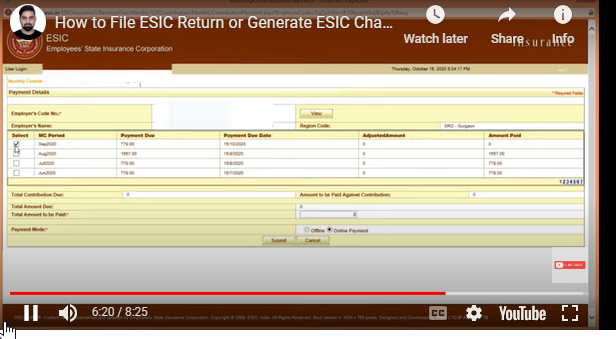
10. Enter the Value paid and Matched with Pay Register and Click on "Submit" option then You will be open a new Page
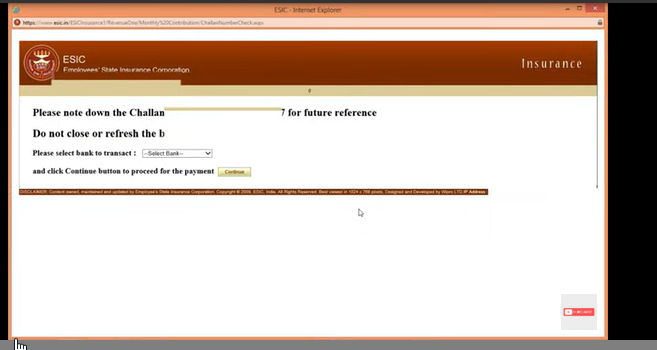
11. Please note down the Challan for Future Reference on top line.
Note : Please do not click on Bank Transfer drowpdown option.